

Before You Begin
- Chert Notifications is installed and a channel is bound.
notificationMethodis set toslackorboth(see Configuration).
Card anatomy
The card ts is recorded in
convo.reply_notify_slack_ts. Thread
replies use this ts as the join key back to the lead.
Review & reply deep link
The button URL has the shape: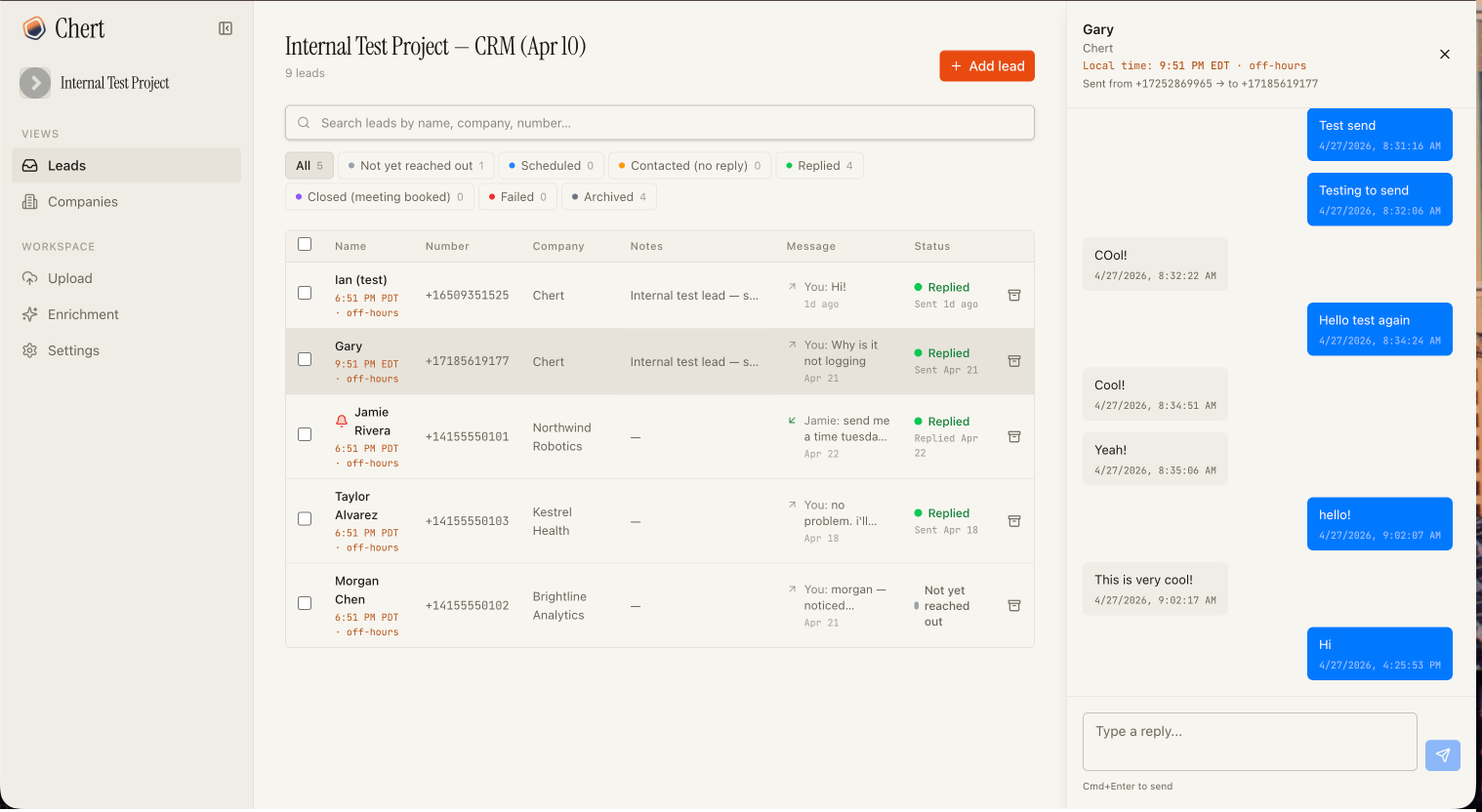
The slide-over conversation panel a Slack reply card deep-links to.
Thread-reply triage
Replying in the card’s thread routes the message through Chert Notifications’ LLM, which classifies it as either a question or a draft.
Thread-reply triage flow
Direct mention is required
The bot only reacts to thread replies that include@Chert Notifications (or whatever name the workspace gave the bot). Bare
in-thread chatter between operators is ignored, so two people
deliberating in a thread does not trigger anything.
Question vs draft classification
Approving a drafted reply
When the bot posts a draft confirmation card, react with:
Approval is processed as soon as Slack delivers the reaction event. A
fallback cron also resolves pending proposals, so a missed event still
gets reconciled.
Card refinement
If you reply again in the thread while a draft confirmation is pending, the previously pending card is auto-rejected and a fresh card is posted with the refined draft. You always see exactly one live card per thread. Examples:An auto-rejected proposal records
superseded by <new id> in
the audit trail so the history of refinements is preserved.Webhook payload
WhennotificationMethod is webhook or both, every qualifying
reply is also POSTed to your webhookUrl.
Retry on 5xx or network failure up to 3× with exponential backoff
(1s → 2s → 4s). 4xx is terminal.
See Also
Configuration
Notification routing and the Nth-reply filter.
Security
Signature verification and what the bot reads vs. writes.